ConstSafe
ConstSafe is a Unity constants generator that creates type-safe C# references for tags, scenes, resources, animator parameters, shader properties, and more.
ConstSafe solves a very ordinary Unity problem that turns into bugs over time: tags, scene names, resource paths, animator parameter names, shader property names, and similar values end up hardcoded all over the project. The code compiles, but the moment data changes in the editor, those strings can drift out of sync.
Quick Answer
ConstSafe is a Unity constants generator for replacing fragile magic strings with generated C# references. If you are searching for Const Safe, type-safe Unity constants, or a way to generate C# constants for tags, scenes, Resources paths, animator parameters, shader properties, Addressables, or Input System data, ConstSafe is built for that workflow.
The Problem
Unity projects accumulate a lot of string-based references.
A scene name in one script. A resource path in another. Animator parameter names copied into gameplay code. Shader property IDs recreated by hand. It all works until something gets renamed, moved, or deleted.
The painful part is not writing the strings once. The painful part is keeping them correct across a real project.
That gets worse as more systems depend on project data, or when multiple people are touching scenes, assets, and settings at the same time.
How ConstSafe Helps
ConstSafe scans project data and generates type-safe C# output for the places where Unity workflows often rely on magic strings.
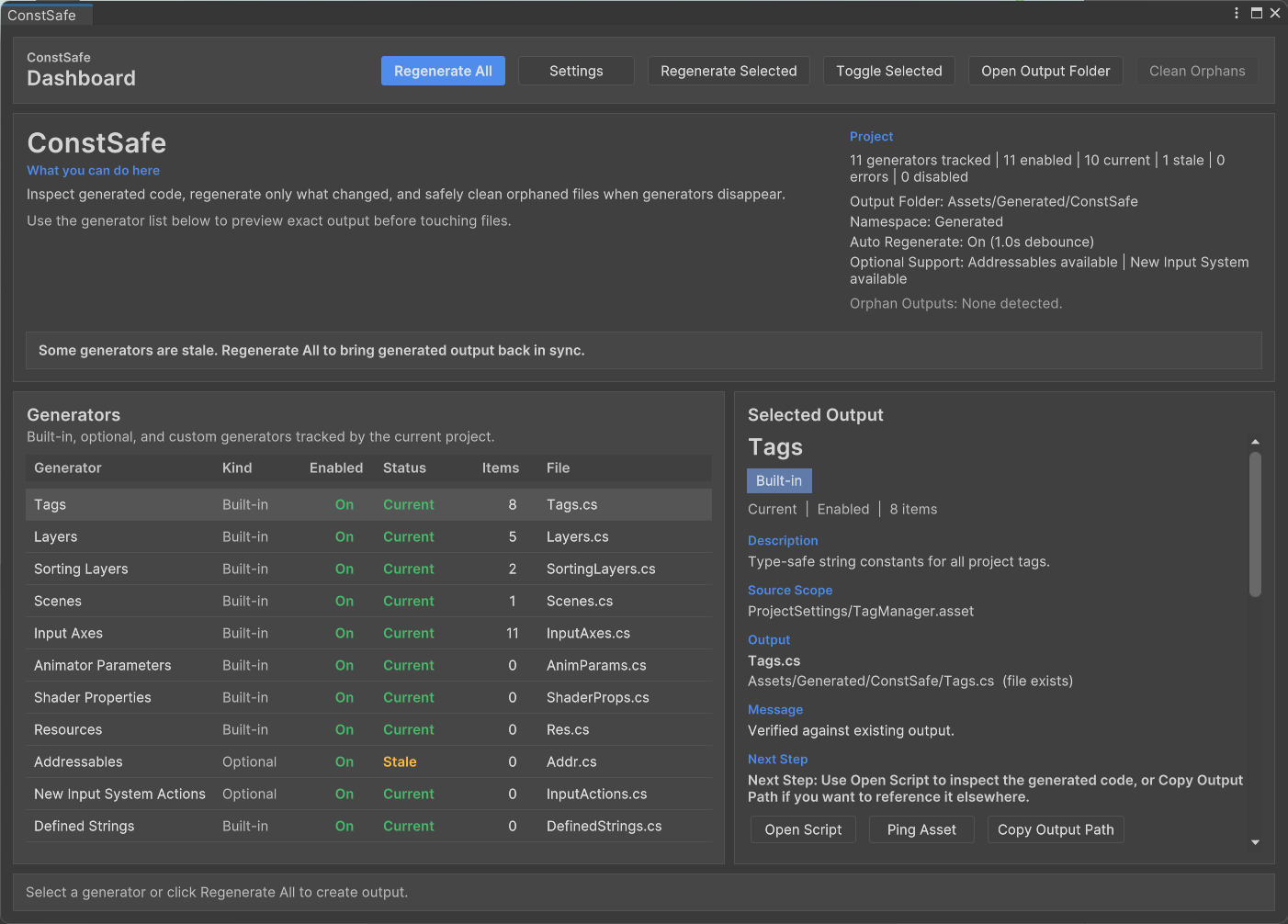
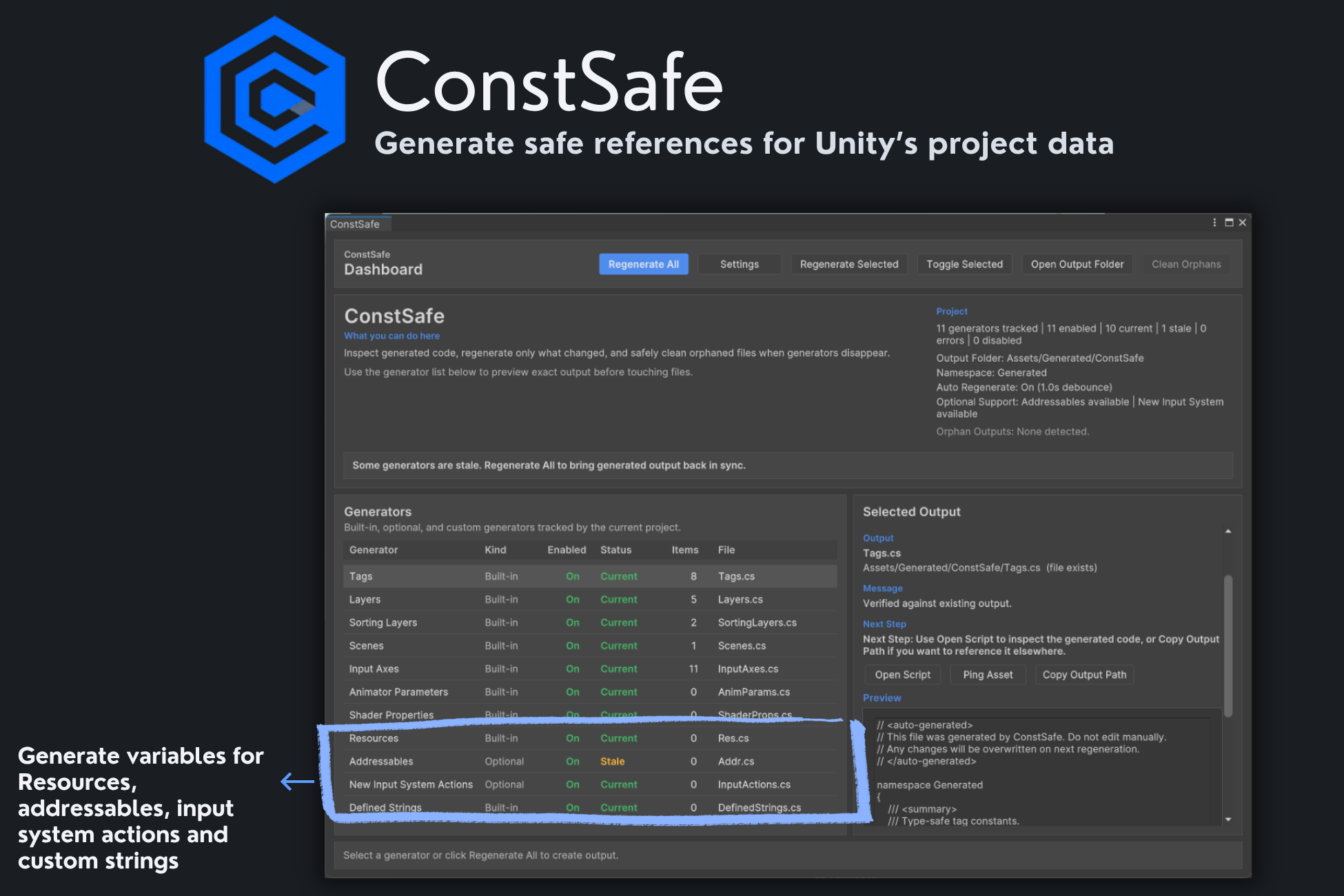
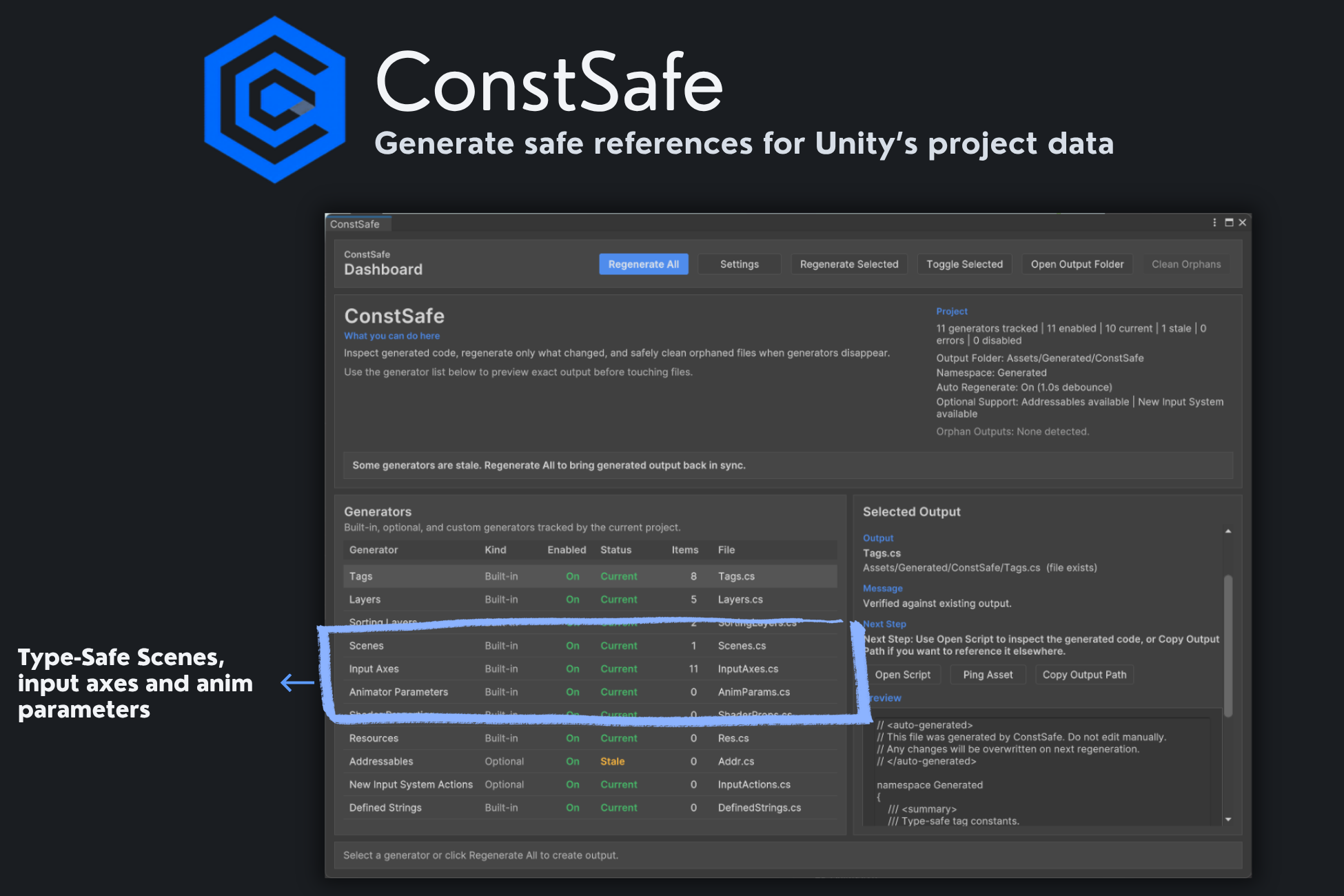
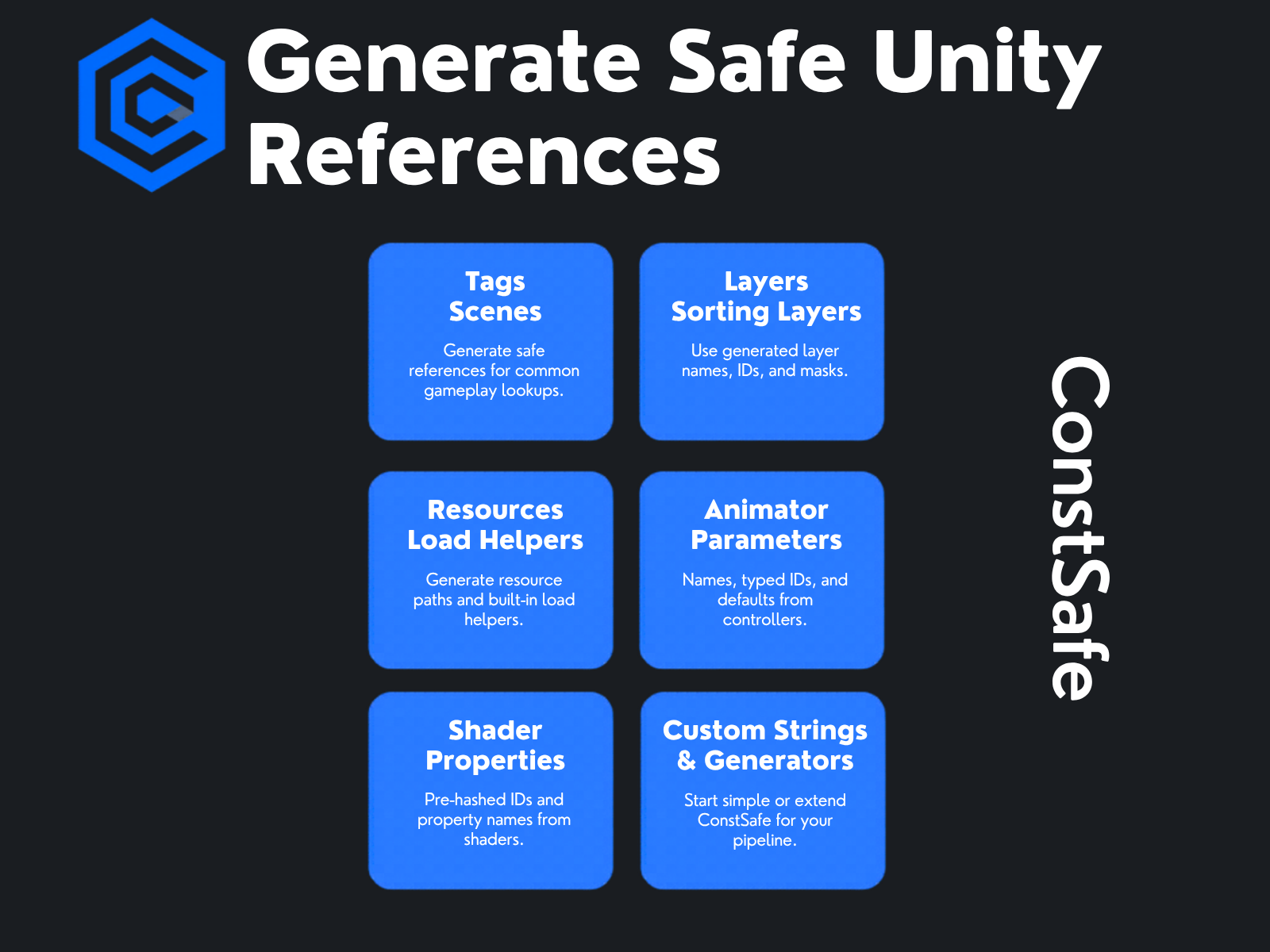
Instead of hardcoding values, you reference generated code for tags, layers, sorting layers, scenes, legacy input axes, animator parameters, shader properties, resources, and editor-authored defined strings.
The generated files are plain C# and stay readable. They are meant to live in source control, and they do not require ConstSafe at runtime.
The editor workflow is also part of the tool. ConstSafe includes a dashboard for generator status, output preview, selective regeneration, onboarding, and orphan cleanup. Optional generators for Addressables and the New Input System stay out of the way unless those packages are actually installed.
Concrete Workflow and Use Cases
A common use case is replacing string-based lookups in gameplay code.
Instead of manually typing scene names, resource paths, or animator parameter names, you regenerate and reference the generated API. If a project-level value changes, the generated code changes with it.
That is useful for things like:
- opening scenes by generated name or index
- loading assets from
Resourceswith generated paths - using pre-generated shader property names and IDs
- accessing animator parameters without copying strings
- keeping project-defined strings in one editor-owned place
- extending the generator pipeline for project-specific data
ConstSafe is built for Unity 2022.3 LTS and newer, with optional support for Addressables and the New Input System.
If your team also wants a cleaner review pass for scene and prefab setup before playtests, Project Review is the complementary tool.
Who It Is For
ConstSafe is for Unity developers who want safer references without turning their codebase into a custom framework.
It is a good fit for teams that want generated code to stay simple, local, and reviewable. It is also a good fit for developers who like tooling and want to push further with custom definitions or custom generators.
If your project already feels the cost of renames, moved assets, or setup drift between editor data and code, ConstSafe is aimed directly at that problem.
Closing Value
ConstSafe is not trying to be flashy. It is trying to remove one of the most common sources of low-signal Unity bugs: project data that lives in the editor but gets referenced in code by hand.
If you want generated project references that are readable, deterministic, and compile-time-friendly, ConstSafe gives you that without adding a runtime dependency layer on top of your game code.
When Not To Use It
ConstSafe is not a replacement for serialized Unity object references, ScriptableObject architecture, or runtime validation. Use direct serialized references when the value is an asset or object reference, and use ConstSafe when Unity APIs or project workflows need string-like names, paths, keys, or IDs.
Key Features
Why Use ConstSafe?
- Replaces fragile magic strings with compile-time-safe references.
- Makes project data changes show up in code instead of failing silently at runtime.
- Keeps generated files readable, versionable, and usable even if the tool is removed.
- Gives teams a clearer workflow for regeneration, preview, and cleanup.
Who Is This For?
Screenshots
Related Tools
Explore nearby workflows and editor tools that solve related Unity production problems.
Project Designer+
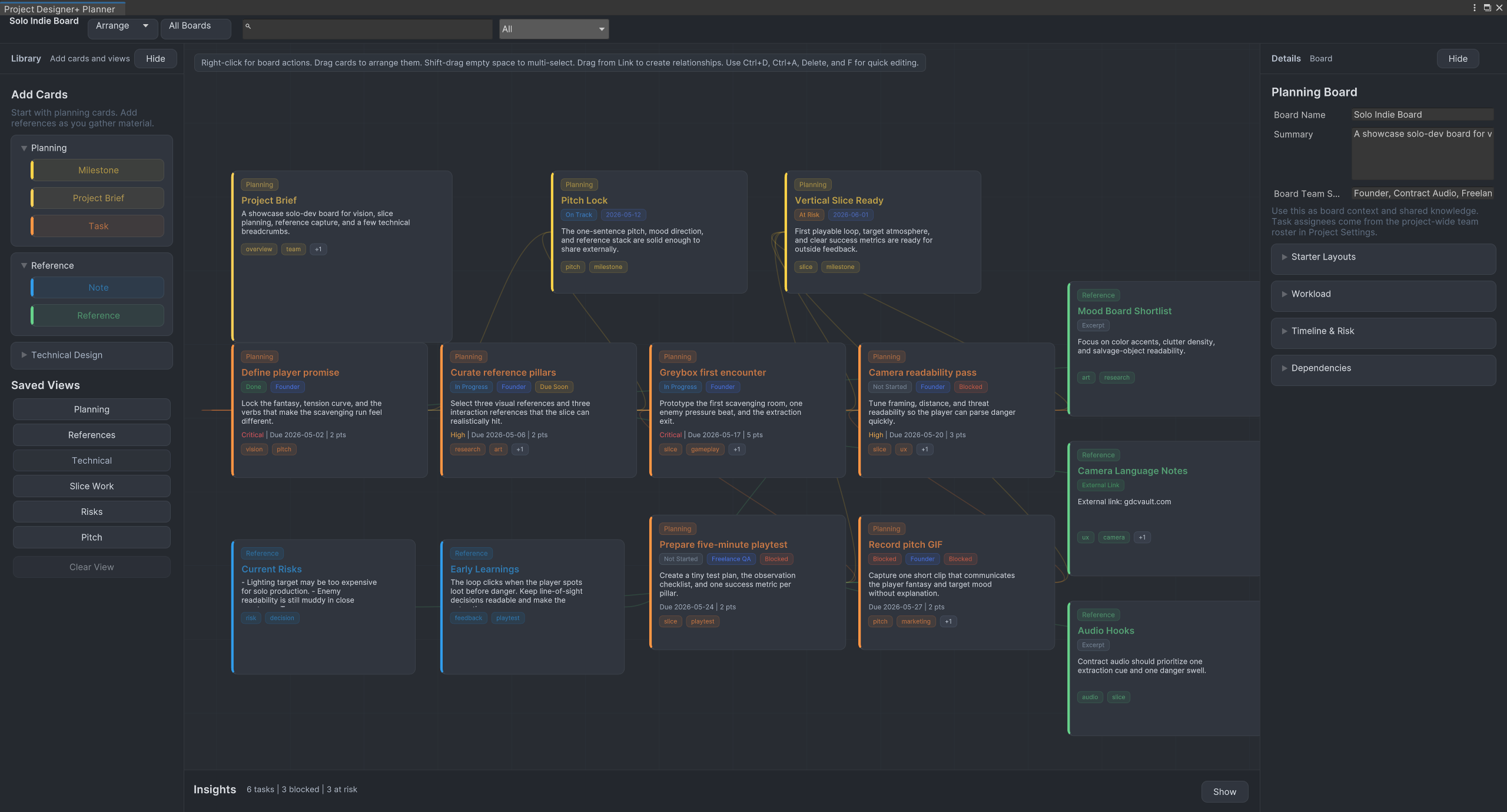
Plan Unity projects visually with tasks, milestones, notes, references, workflow presets, and saved planning views directly inside the Unity editor.
SceneSignal
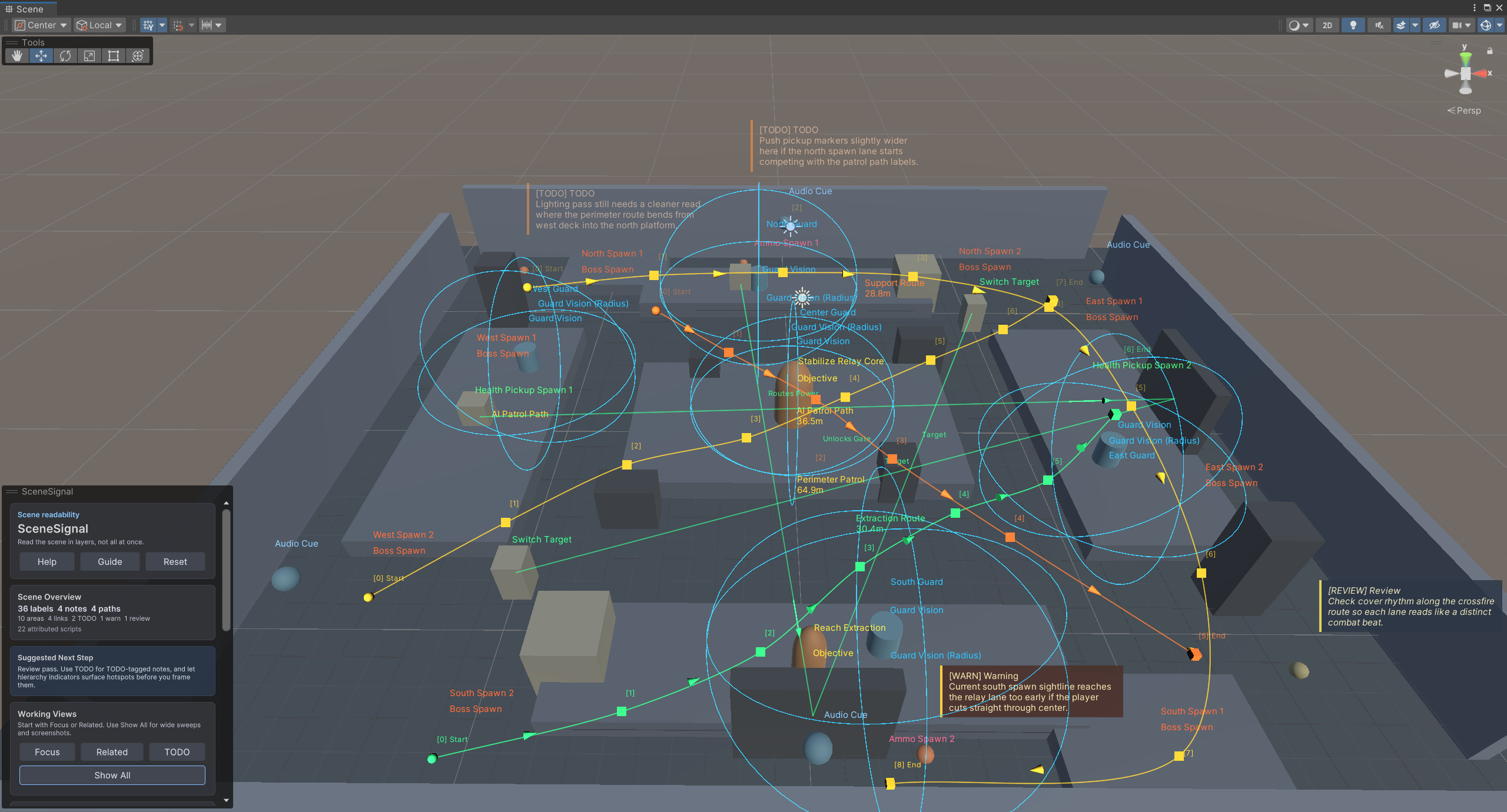
SceneSignal is a Unity scene annotation tool for adding 3D notes, labels, links, areas, and paths without turning the Scene view into clutter.
DevNotebook
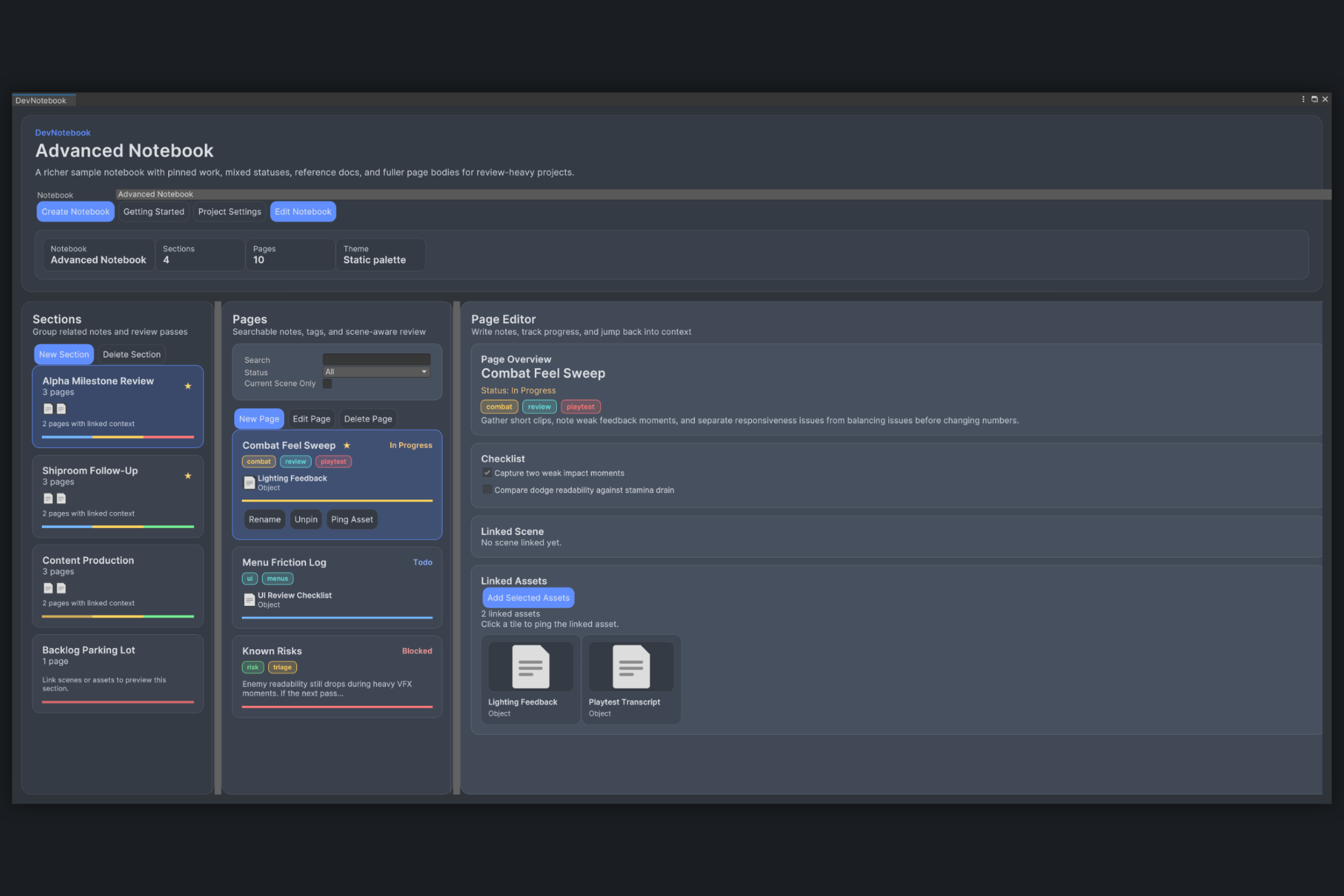
DevNotebook is a Unity editor tool for keeping scene notes, asset follow-up, and review checklists attached to real project content.
Frequently Asked Questions
Does generated code depend on ConstSafe at runtime?
What Unity data can ConstSafe generate constants for?
Do Addressables and Input System support require those packages to be installed?
Can I add my own generated constants?
Do package samples generate output automatically?
Get ConstSafe
Available on the Unity Asset Store. Try it in your next project.