Project Review
Project Review is a Unity project review tool for scanning scenes, prefabs, and Build Settings for setup issues before playtests and release prep.
Project Review is an editor-only review inbox for Unity setup issues that are easy to miss until a playtest, handoff, or release pass. It scans scenes, prefabs, and Build Settings, then gives you a focused list of findings with context and jump-to-fix actions.
Quick Answer
Project Review is a Unity project review tool for scanning scenes, prefabs, selected folders, and Build Settings before playtests, milestones, or release prep. It is built for project hygiene issues such as missing scripts, UI setup problems, duplicate listeners, startup scene mistakes, and findings that need a repeatable review inbox rather than another manual checklist.
The Problem
Unity projects collect small setup problems over time.
A prefab keeps a missing script after a refactor. A UI scene ships without an EventSystem. A startup scene is not first in Build Settings. A second AudioListener gets left on a camera someone duplicated two weeks ago.
None of those problems are complicated on their own. The hard part is noticing them consistently before they turn into broken smoke tests, confusing QA notes, or “why is this scene acting weird?” time sinks.
Manual review usually means opening scenes one by one, checking prefabs by feel, and relying on memory for Build Settings hygiene. That does not scale well, even on a small team.
How Project Review Helps
Project Review turns that review pass into a concrete editor workflow.
You choose a scope, run a scan, and work through findings in an inbox instead of hunting through the project manually. The tool is built around a few practical ideas:
- scans are explicit, not hidden in the background
- findings should be actionable, not just technically correct
- the UI should help you move from problem to context quickly
- repeated review passes should show what changed, not only what exists
The dashboard supports scan profiles and scopes, so you can use a smaller current-scene pass during normal development and a broader build-readiness or full-project pass before a milestone.
When you need to share results, you can export the visible findings or the full scan as Markdown or CSV instead of rewriting the same issues into chat, docs, or task trackers.
Concrete Workflow and Use Cases
A common use case is pre-playtest cleanup.
You run a Build Scenes or Full Project scan before a team playtest and catch things like missing scripts, stale Build Settings entries, multiple EventSystems, or a startup-like scene without a MainCamera. That gives you a tighter pass than opening scenes at random and hoping the obvious issues surface.
Another good use case is scene-by-scene cleanup during active production.
If you are working in one scene, you can run a current-scene scan and look for UI setup issues, duplicate listeners, missing animation controllers, placeholder names, or audio sources configured to play with no clip assigned. That is a better fit for daily work than a broad project audit.
For teams that want more visual context directly inside the Scene view during that cleanup pass, SceneSignal is a natural companion.
The baseline flow is useful when you want to compare review passes instead of starting from scratch every time. A lead or tech artist can set an active baseline for a profile, then later scans show which findings are new, which are already known, and which issues were resolved since the last pass.
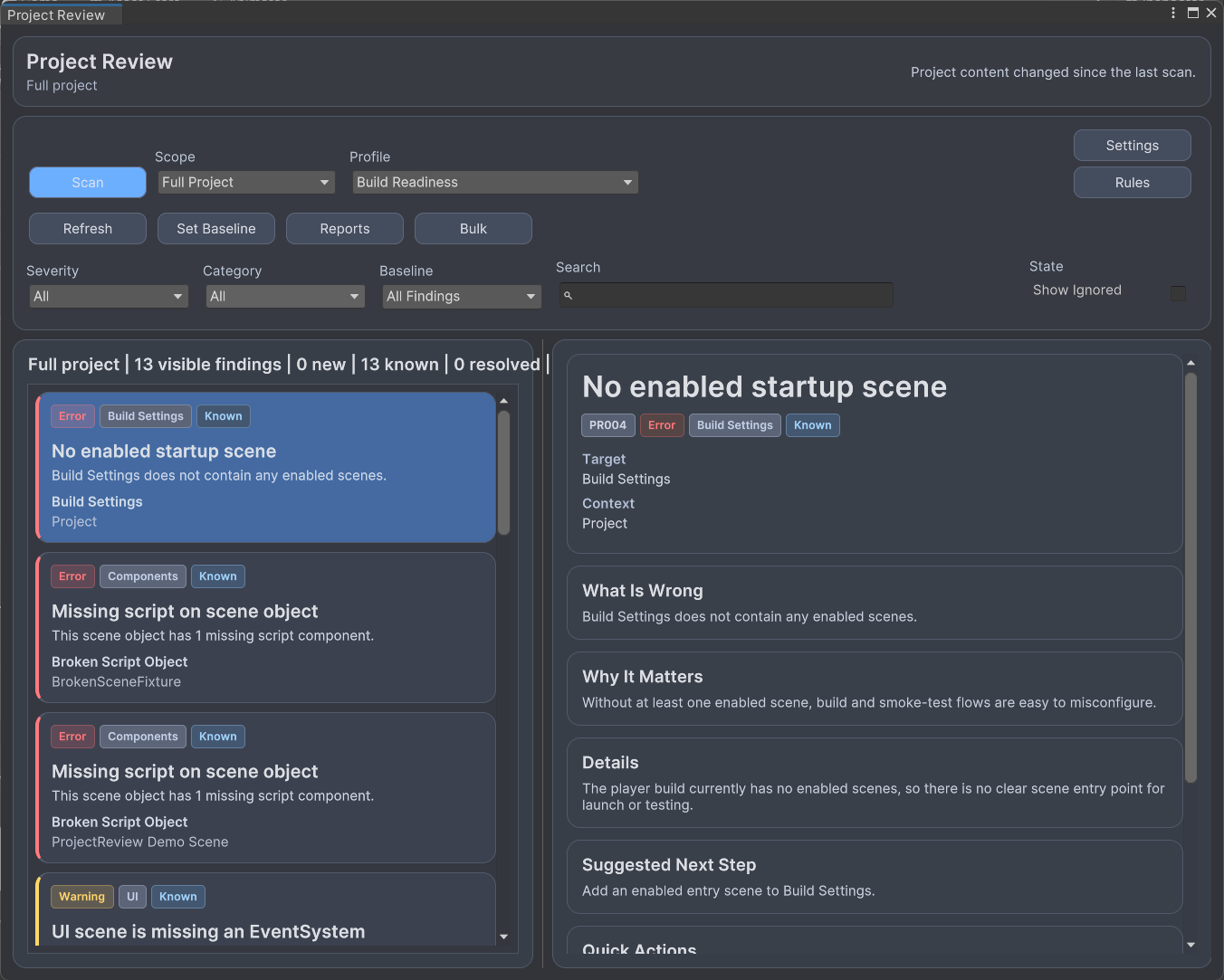
UI-wise, the tool is built around a compact dashboard, a findings inbox on the left, a detail panel on the right, and a secondary settings window for profiles, rule severity overrides, and baselines. The main view stays focused on problems rather than turning into a large analytics screen.
Who It Is For
Project Review is for Unity teams that want better project hygiene without adopting a heavyweight validation framework.
It is a good fit for programmers who want a repeatable setup review pass, technical artists who spend time checking scenes and prefabs for drift, and designers who need a faster way to spot obvious scene-level problems before a handoff or playtest.
It also fits teams that want something more practical than a broad audit tool for day-to-day editor work. The emphasis here is review flow, not deep code analysis or performance profiling.
If your main need is low-level performance auditing, memory analysis, or a large rule-authoring platform, Project Review is probably not the whole answer by itself. It is strongest when the problem is scene, prefab, and Build Settings hygiene.
Closing Value
Project Review is useful because it targets a specific kind of Unity maintenance work that teams often do inconsistently.
Instead of relying on memory, scattered QA notes, or one more pre-release checklist, you get a concrete scan-and-review loop for common setup issues. That makes it easier to catch problems earlier, keep follow-up passes focused, and hand results to the rest of the team in a format they can actually use.
When Not To Use It
Project Review is not the whole answer for deep performance profiling, memory investigation, gameplay balancing, or broad static code analysis. It is strongest when the question is practical and editor-facing: what scene, prefab, UI, or Build Settings problems should the team fix before the next review pass?
Key Features
Why Use Project Review?
- Find broken setup earlier instead of during playtest prep or build verification.
- Reduce manual scene and prefab inspection for common Unity hygiene checks.
- Keep review passes focused by tracking reviewed, ignored, new, known, and resolved findings.
- Share concrete scan results with the rest of the team without rewriting everything by hand.
Who Is This For?
Screenshots
Related Tools
Explore nearby workflows and editor tools that solve related Unity production problems.
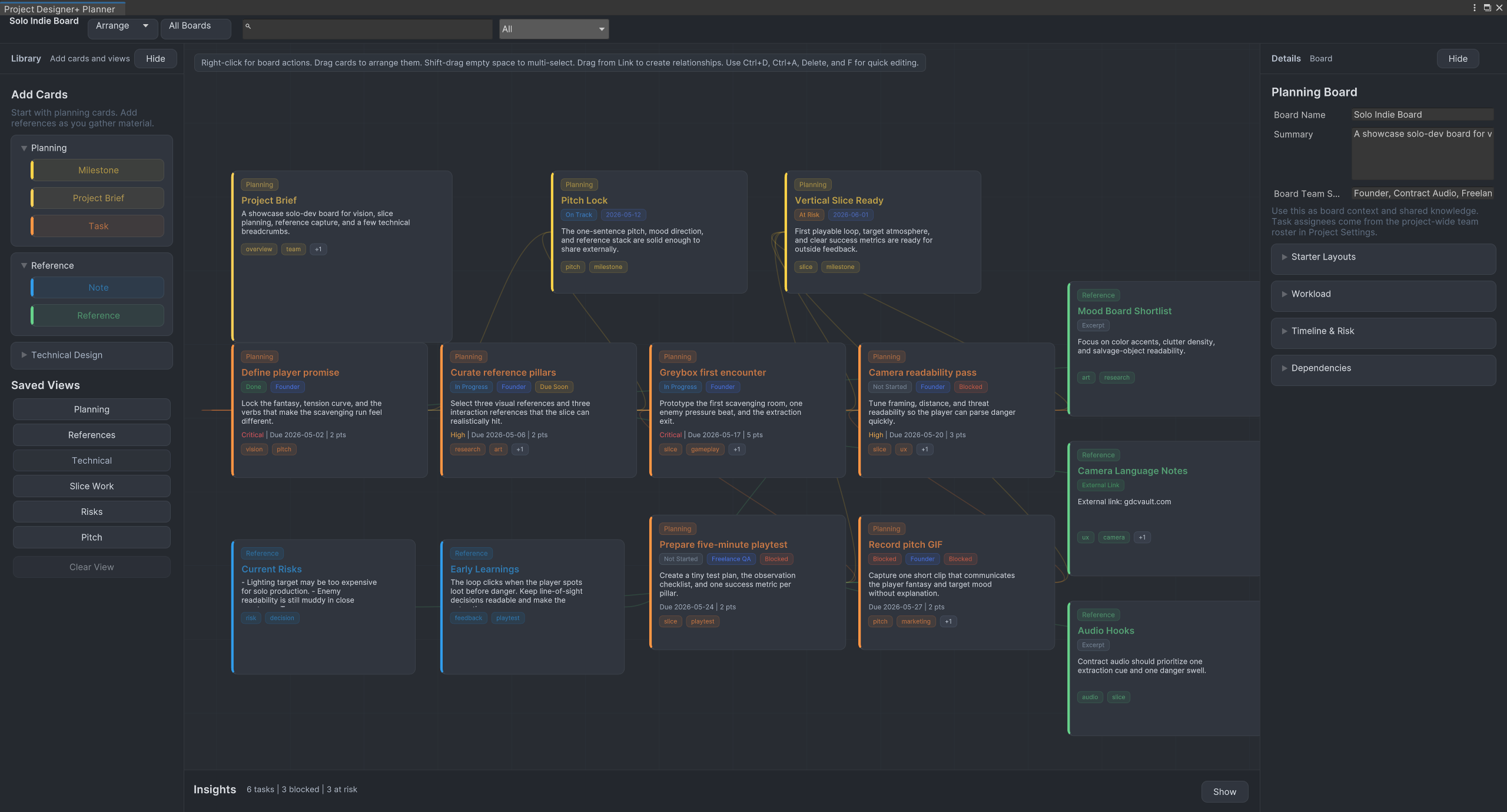
Project Designer+
Plan Unity projects visually with tasks, milestones, notes, references, workflow presets, and saved planning views directly inside the Unity editor.
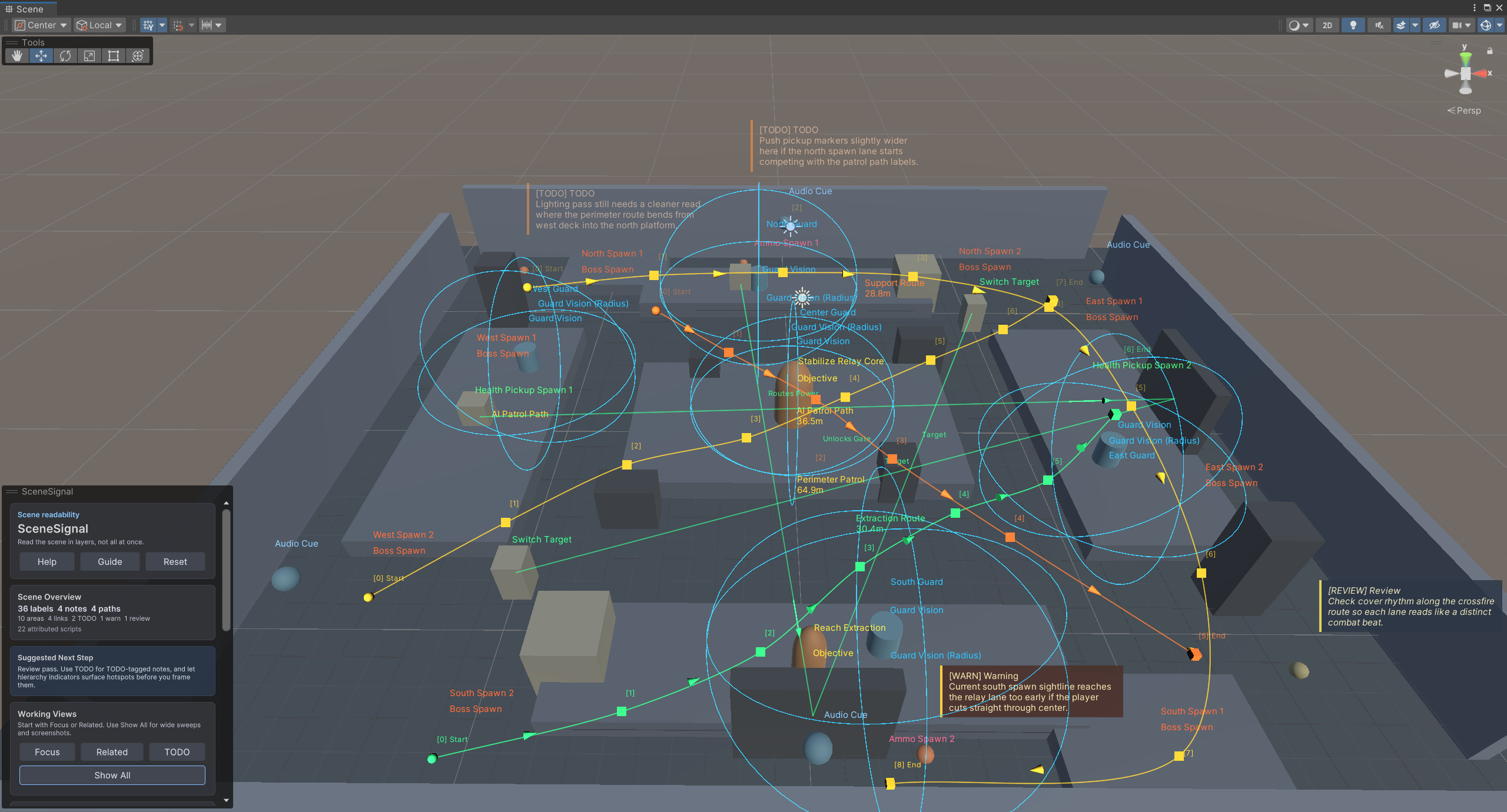
SceneSignal
SceneSignal is a Unity scene annotation tool for adding 3D notes, labels, links, areas, and paths without turning the Scene view into clutter.
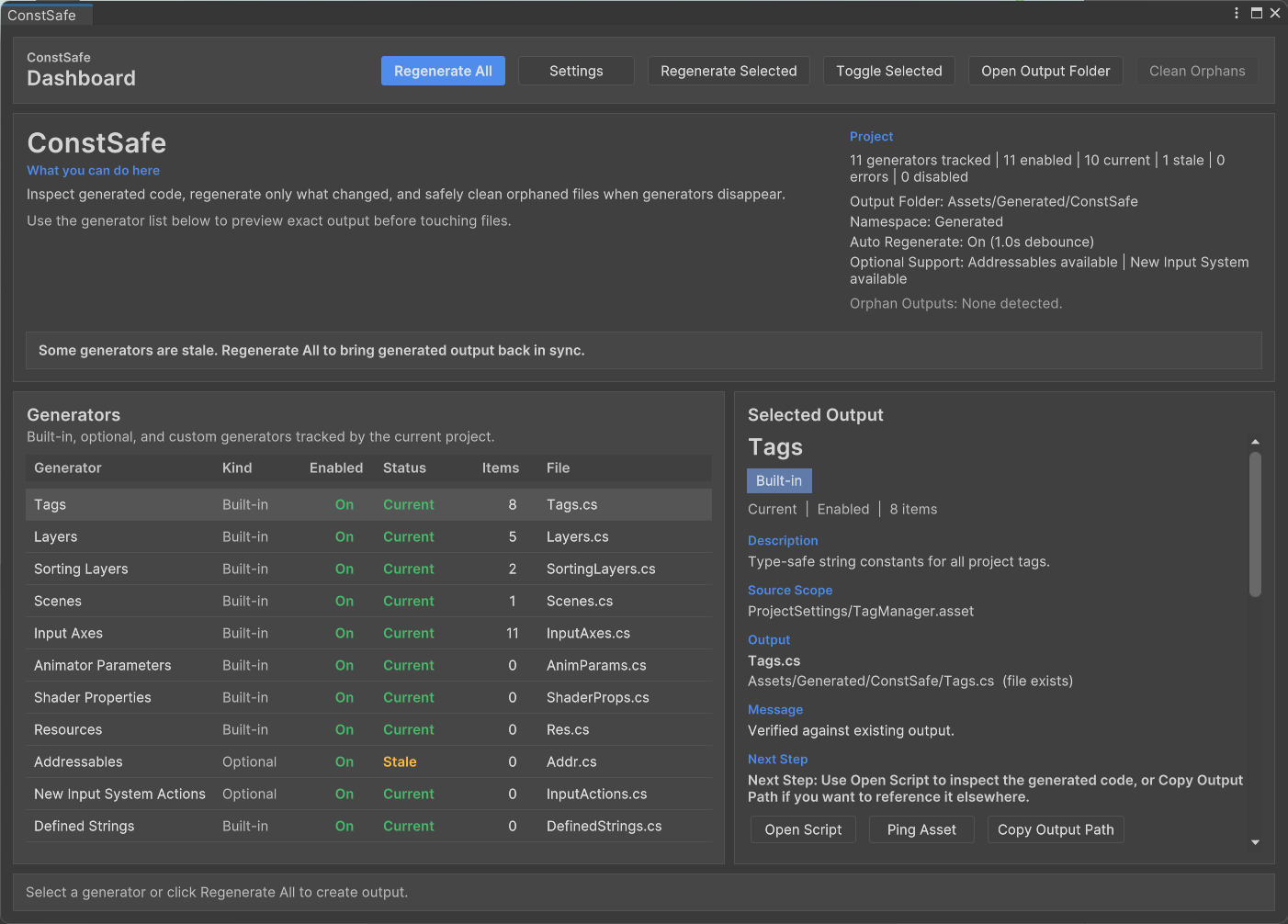
ConstSafe
ConstSafe is a Unity constants generator that creates type-safe C# references for tags, scenes, resources, animator parameters, shader properties, and more.
Frequently Asked Questions
Does Project Review scan automatically in the background?
Can I scan only the part of the project I am working on?
Can I add custom rules?
Is Project Review a Unity code analyzer?
Does it automatically fix issues?
Get Project Review
Available on the Unity Asset Store. Try it in your next project.