Project Designer+
Plan Unity projects visually with tasks, milestones, notes, references, workflow presets, and saved planning views directly inside the Unity editor.
Project Designer+ helps Unity developers organize early project direction with planning boards, tasks, milestones, notes, references, and workflow presets without leaving the Unity editor.
Quick Answer
Project Designer+ is a Unity project planning tool for developers who want a visual planning board inside the Unity editor. If you are looking for Project Designer Plus, a Unity planning board, or a Unity pre-production tool, the core use case is the same: keep project briefs, milestones, tasks, references, and system notes close to the project instead of scattering them across external documents.
Plan Unity Projects Before Coding
Starting a Unity project without a plan leads to refactoring, wasted time, and scattered context. Project Designer+ gives you a visual workspace inside the Unity editor where you can map out scope, milestones, references, risks, and task relationships before production gets messy.
Start From Useful Board Workflows
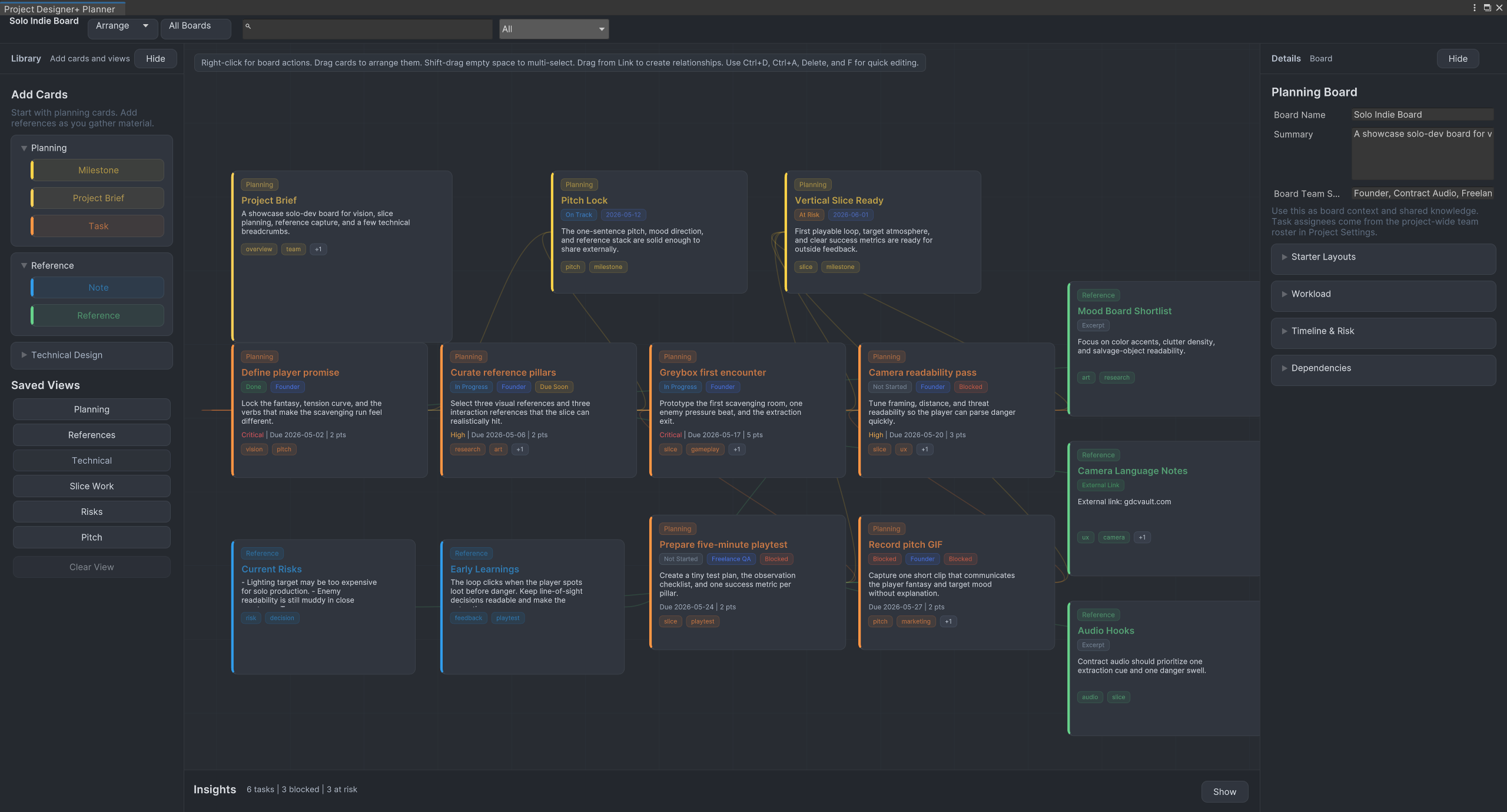
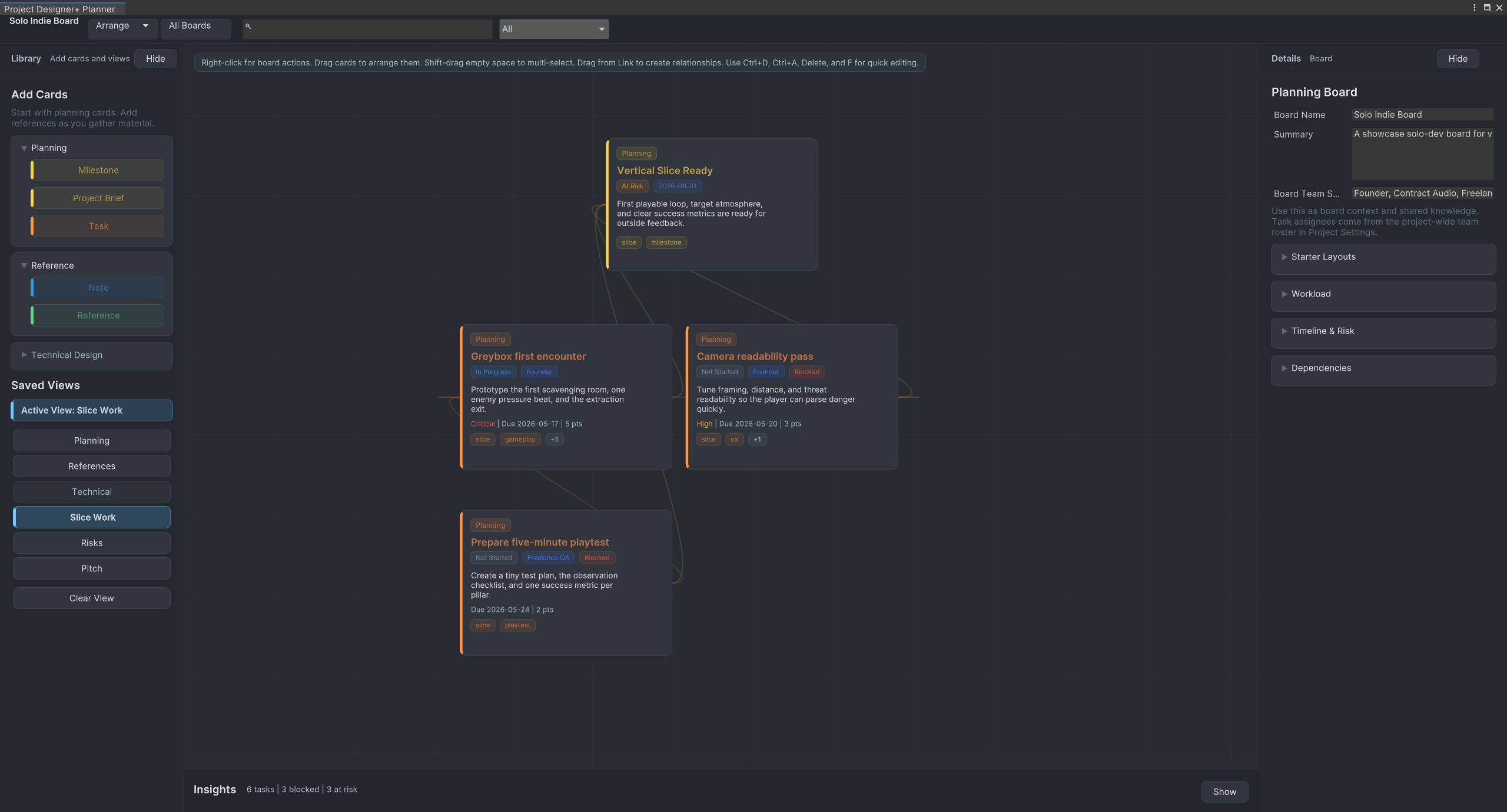
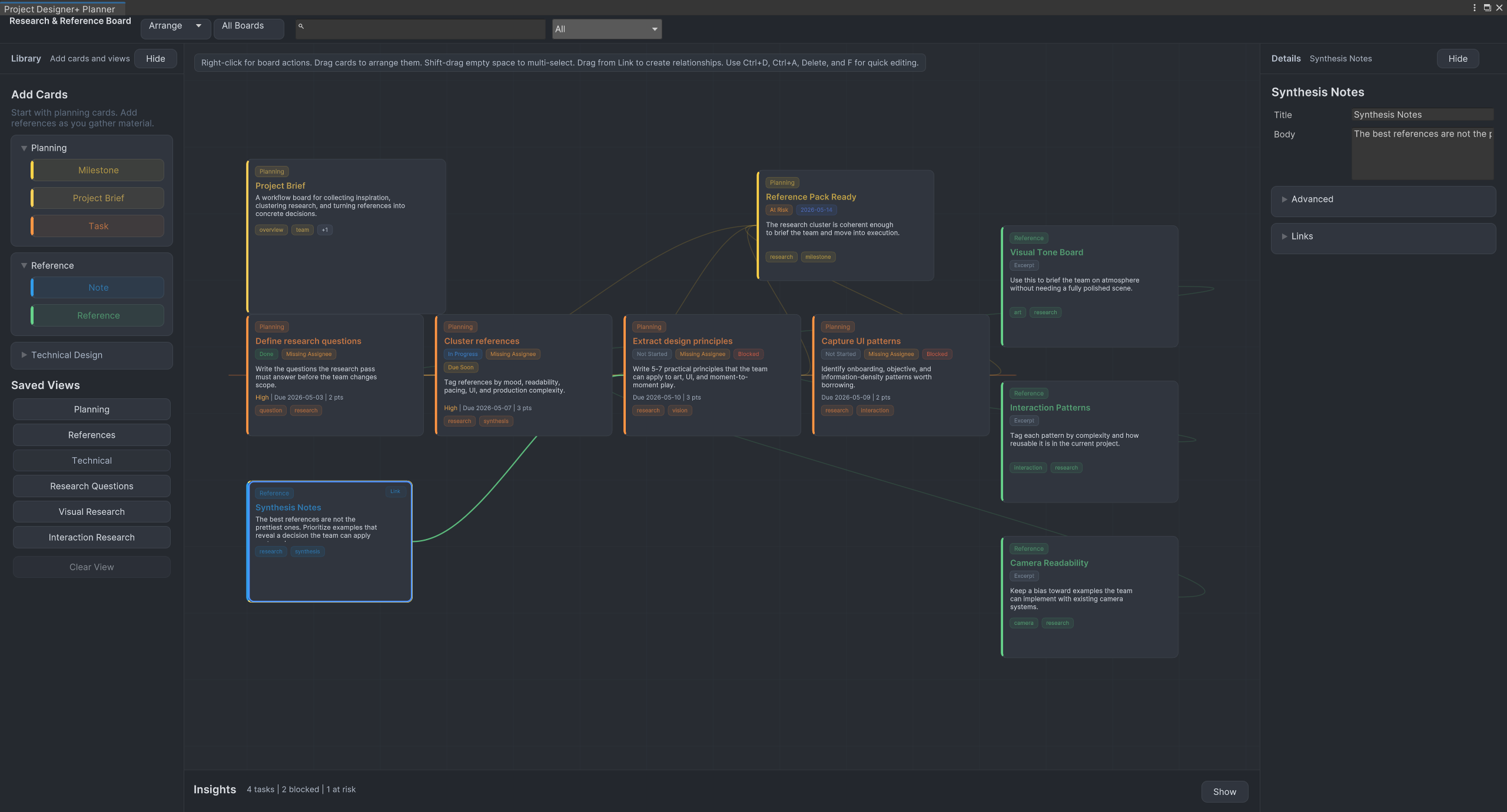
Use onboarding, starter templates, workflow presets, and showcase boards to begin from a useful structure instead of an empty canvas. Project Finder helps you search, pin, and reopen current boards quickly, while saved views keep busy planning boards readable.
Organize Tasks, Notes, and Ideas
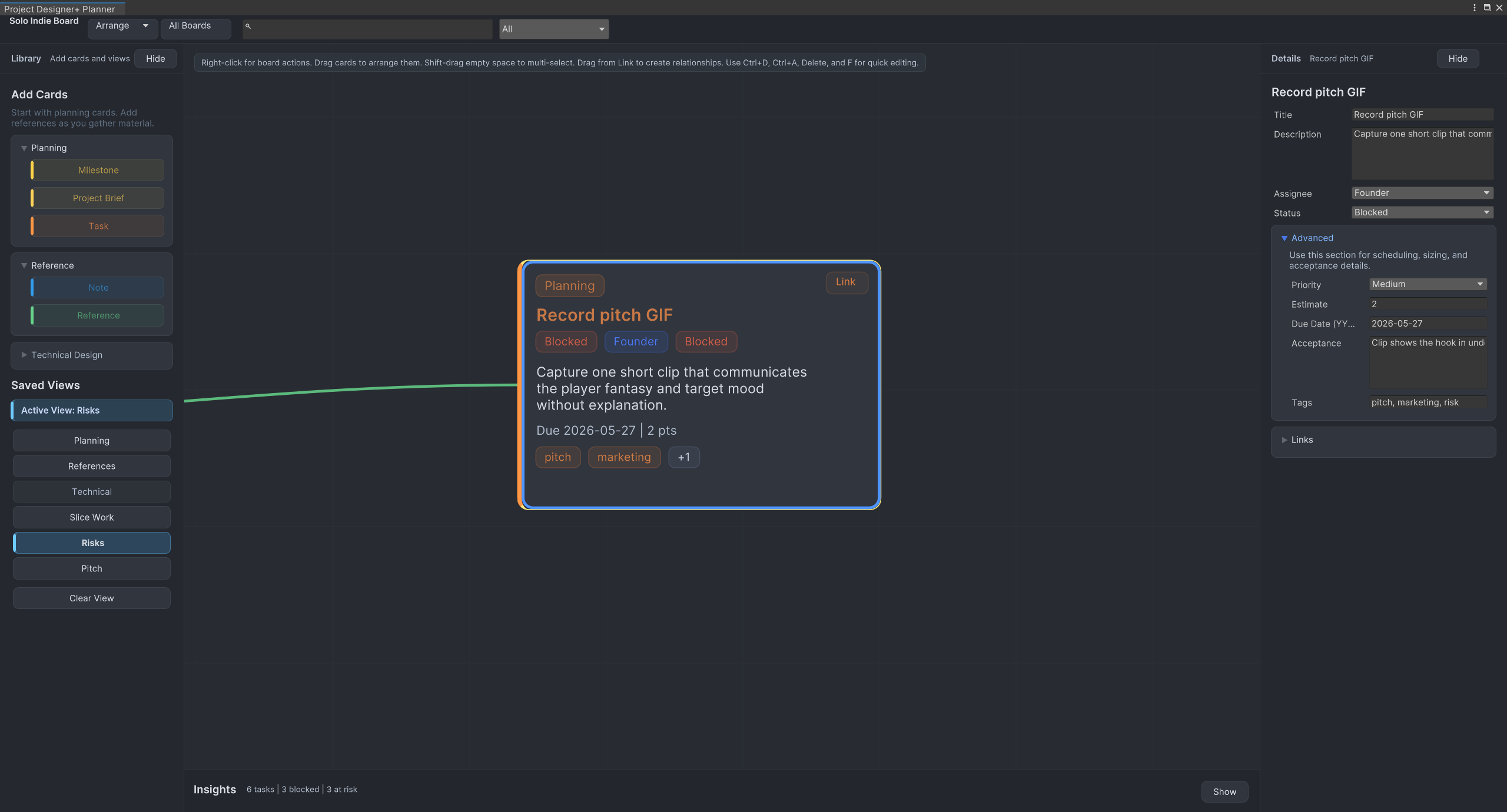
Keep all your project planning in one place. Add tasks, milestones, notes, project briefs, references, screenshots, URLs, and Unity asset links, then organize the board into views you can revisit as the project evolves.
If you also want a cleaner place to keep review notes and production follow-up inside Unity, take a look at DevNotebook.
Built for Unity Developers
Project Designer+ is built specifically for Unity workflows. It integrates directly into the editor, supports asset drag-and-drop reference capture, and can be extended with custom cards, inspectors, links, and importers when a team needs a more specialized planning surface.
When Not To Use It
Project Designer+ is not meant to replace a large external issue tracker for studio-wide production reporting. It is strongest when the planning problem lives close to Unity: early project direction, local task breakdowns, reference boards, milestones, feature slices, and editor-side workflow notes.
Key Features
Why Use Project Designer+?
- Keep early project planning close to the Unity project.
- Make scope, references, milestones, and task relationships easier to review.
- Start from practical board templates instead of an empty canvas.
- Reduce planning drift across external docs, screenshots, and chat.
- Adapt the planner to team-specific workflows without patching the core asset.
Who Is This For?
Screenshots
Related Tools
Explore nearby workflows and editor tools that solve related Unity production problems.
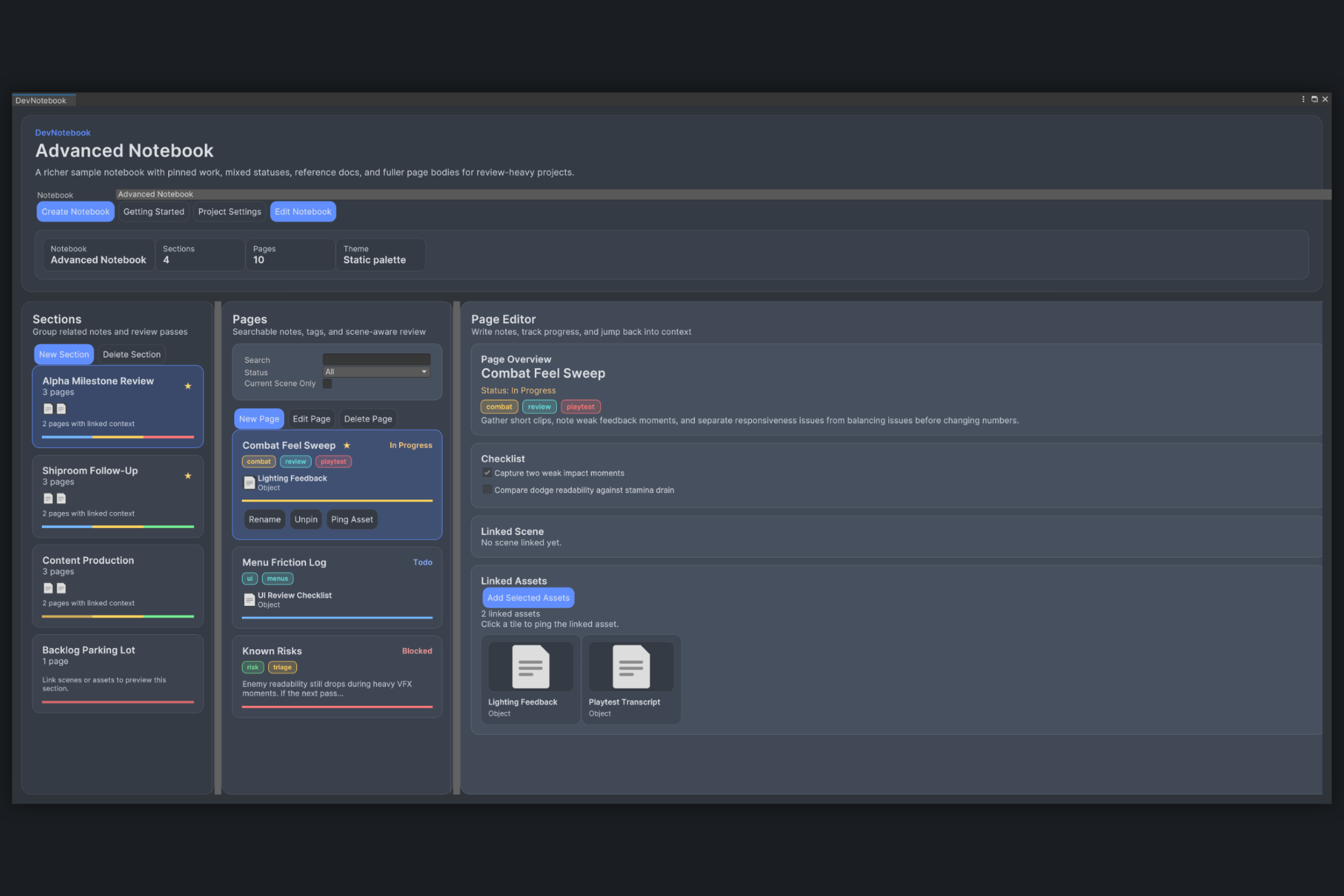
DevNotebook
DevNotebook is a Unity editor tool for keeping scene notes, asset follow-up, and review checklists attached to real project content.
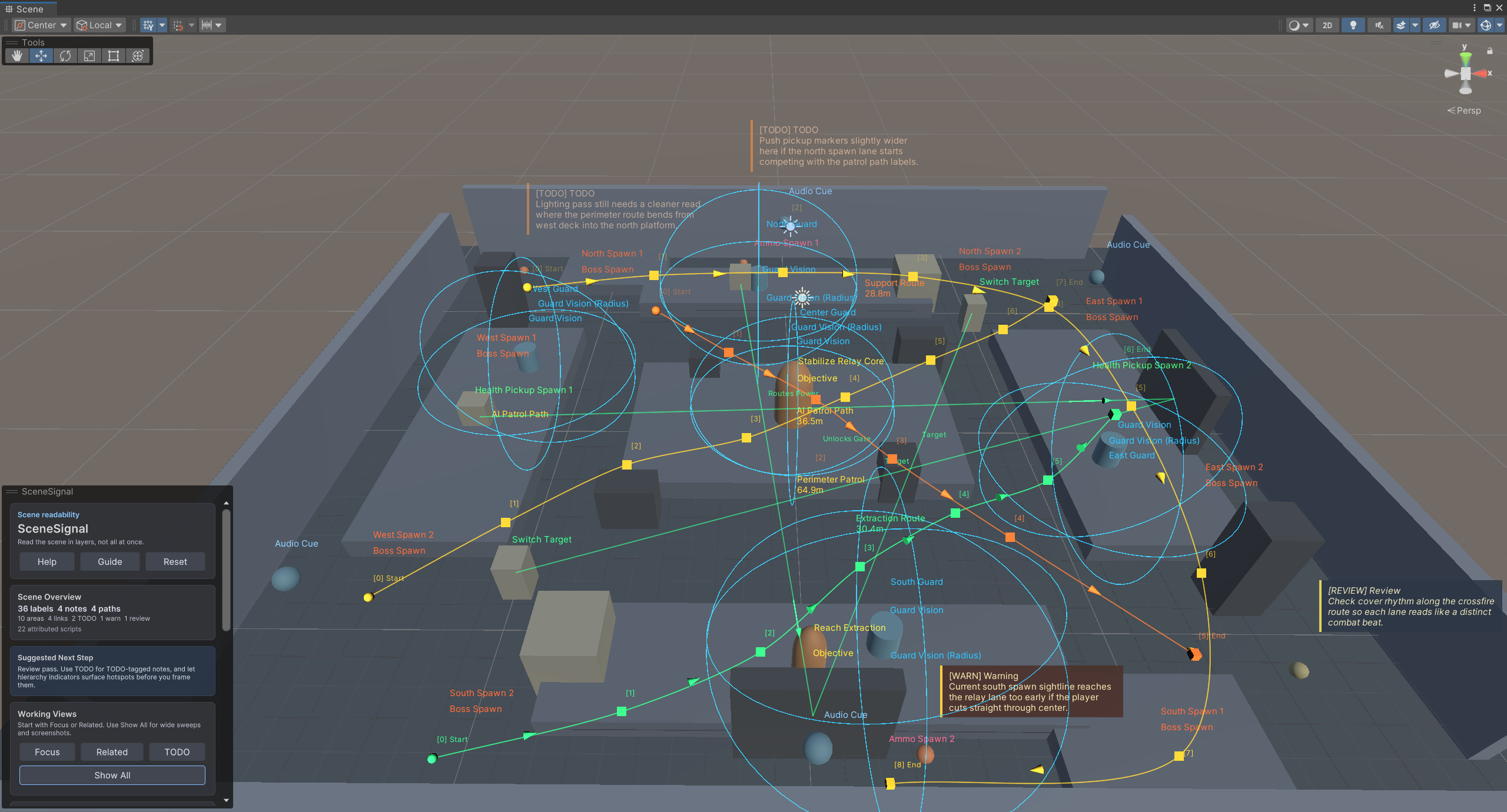
SceneSignal
SceneSignal is a Unity scene annotation tool for adding 3D notes, labels, links, areas, and paths without turning the Scene view into clutter.
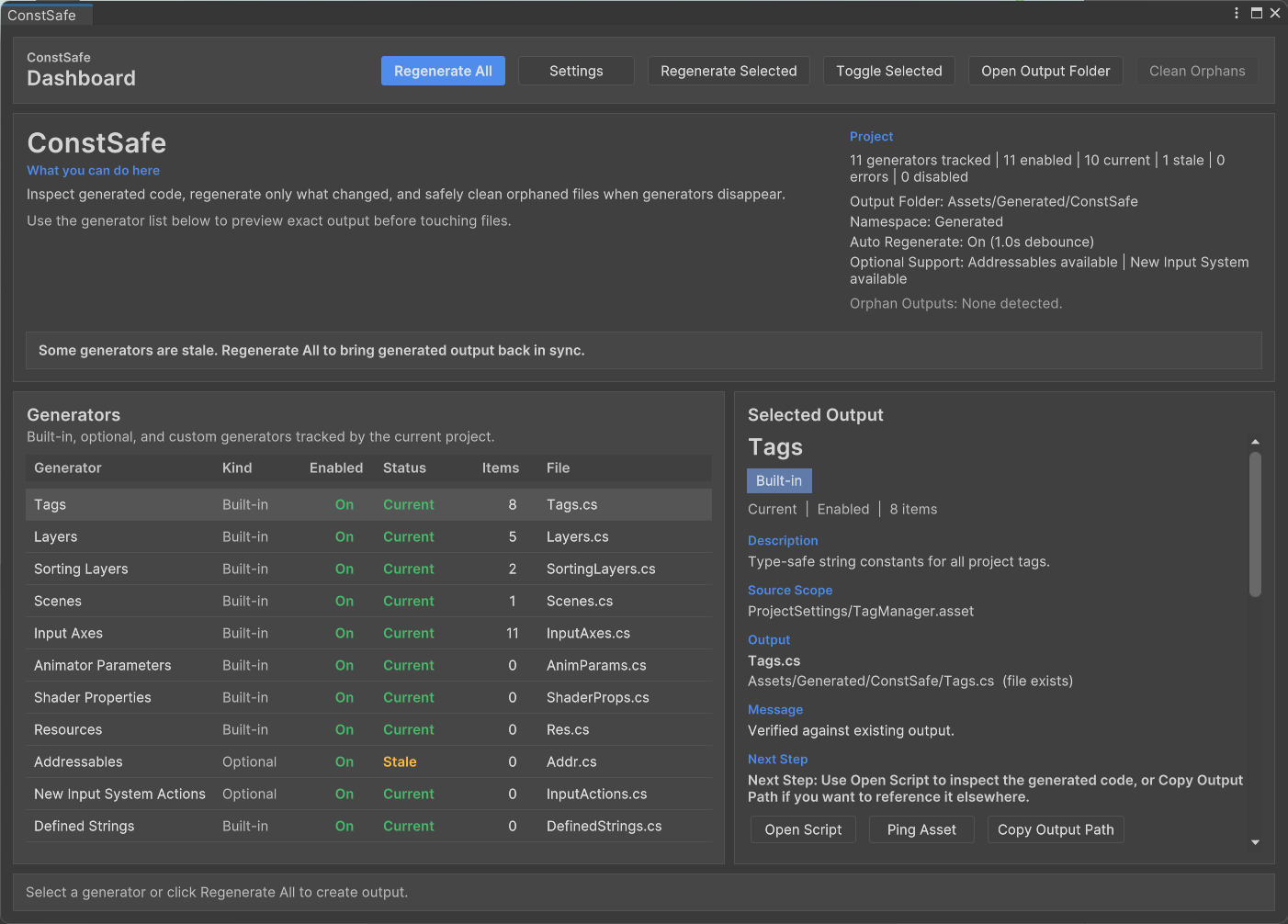
ConstSafe
ConstSafe is a Unity constants generator that creates type-safe C# references for tags, scenes, resources, animator parameters, shader properties, and more.
Frequently Asked Questions
Does Project Designer+ work inside Unity?
Which Unity versions are supported?
Can I extend it with custom nodes?
Is Project Designer+ a task tracker?
Does it work on macOS and Windows?
Is this a runtime tool or editor-only?
Get Project Designer+
Available on the Unity Asset Store. Try it in your next project.