DevNotebook
DevNotebook is a Unity editor tool for keeping scene notes, asset follow-up, and review checklists attached to real project content.
Unity projects usually end up with notes scattered across chat, text docs, and screenshots. DevNotebook keeps that context inside the editor so scene review notes, asset follow-up, and production checklists stay attached to the work they belong to.
The Problem
A lot of Unity workflow friction comes from losing context between passes.
You review a scene, write down a few issues somewhere else, then come back later and have to remember which scene, prefab, or asset the note was actually about. The same thing happens during UI polish, release prep, art review, and bug follow-up.
That gets worse on teams. Notes become hard to reuse, handoffs get vague, and the editor stops being the place where the current state of the work is visible.
How DevNotebook Helps
DevNotebook gives you a dedicated notebook workflow inside Unity.
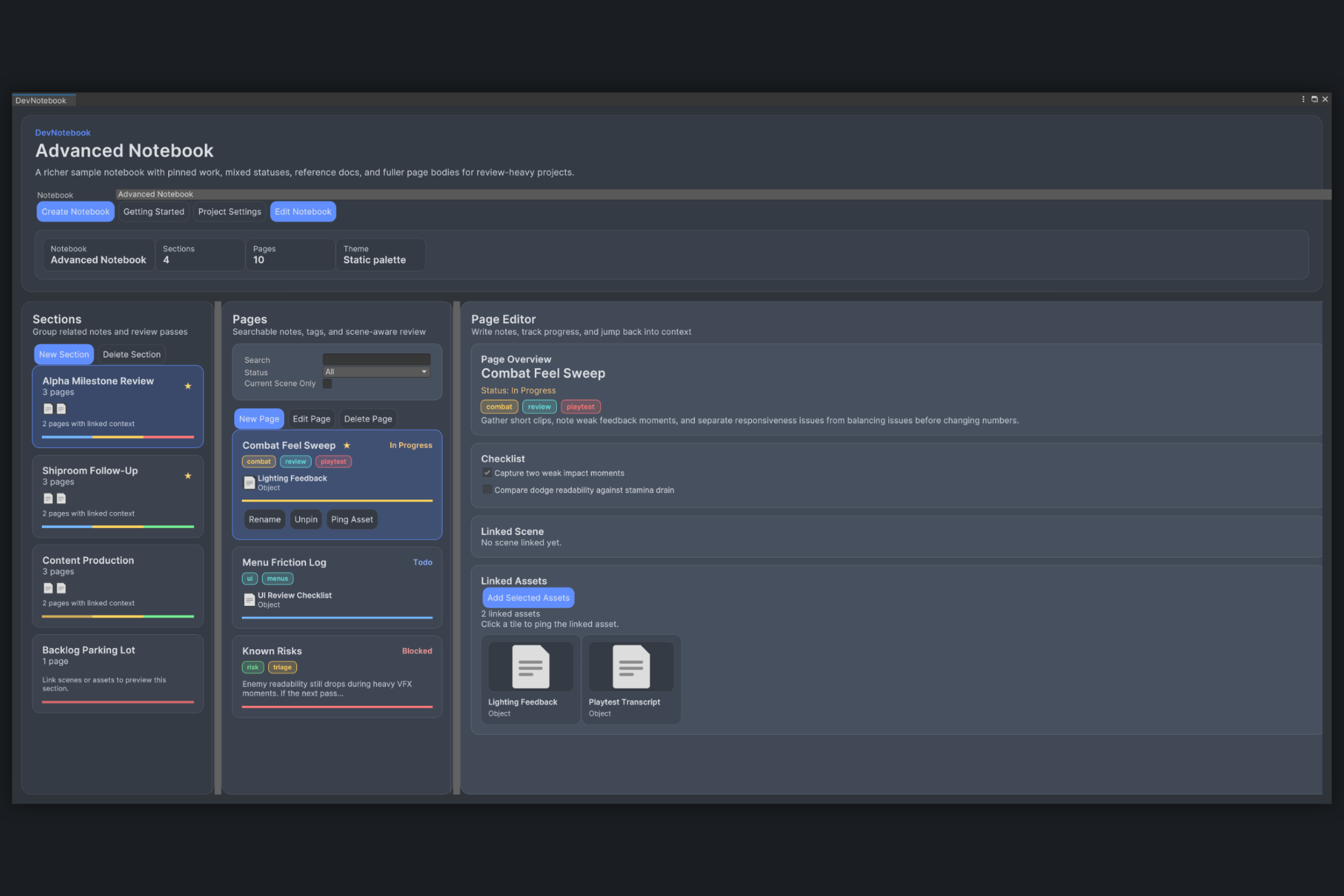
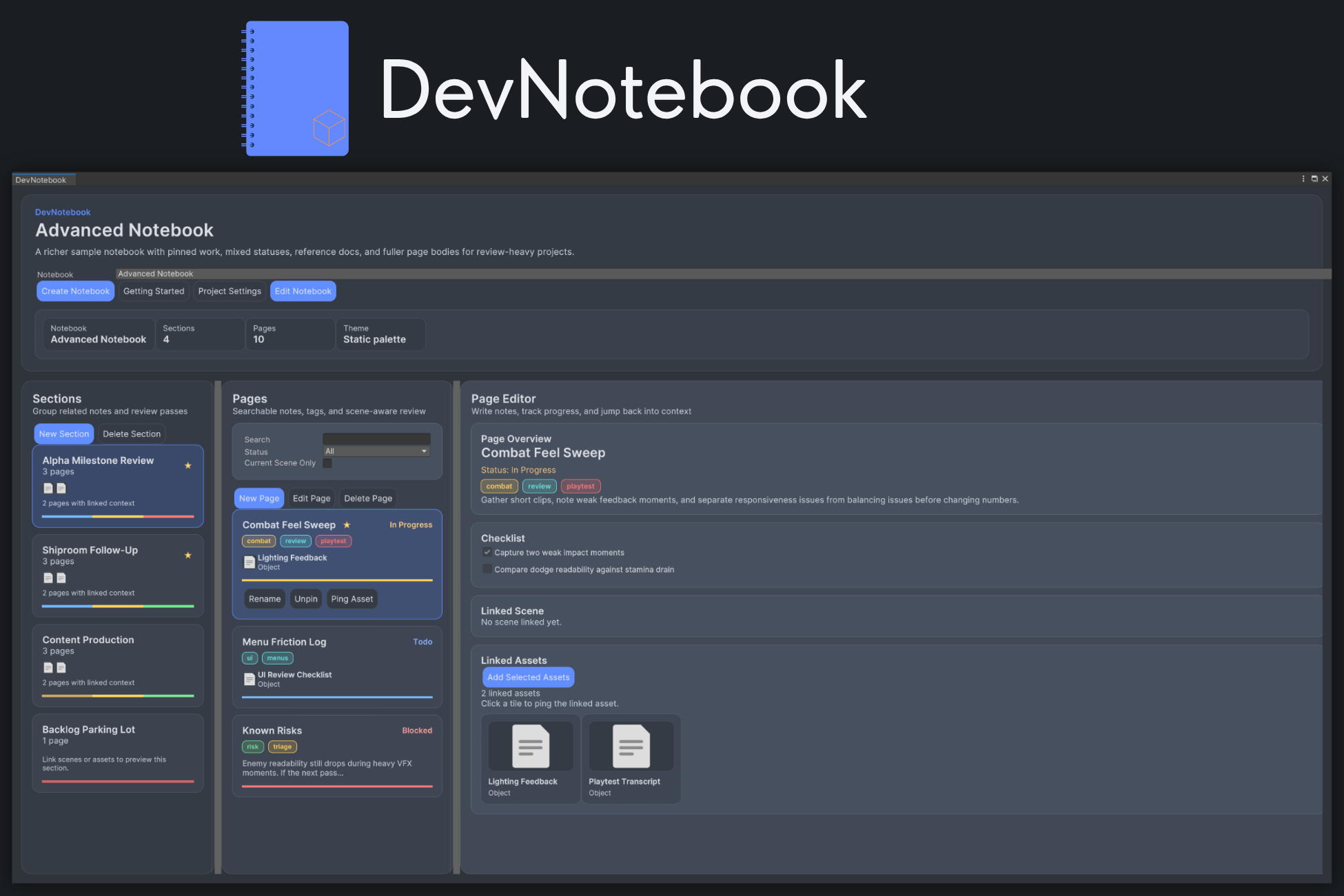
You can create notebooks, split them into sections and pages, add checklist items, mark page status, and attach tags. More importantly, you can link scenes and project assets directly to the page so the note stays tied to the actual content instead of becoming a disconnected task list.
The tool also includes a Getting Started flow, startup options in Project Settings, recent work support, and sample notebooks to make adoption easier.
DevNotebook is built for Unity 2022.3 and focuses on editor workflow rather than runtime systems.
Concrete Workflow and Use Cases
A scene review pass is a good example. You can keep one section for a specific review milestone, create pages for issues or passes, and link each page back to the scene being discussed.
For UI or art polish, a page can hold short notes, checklist items, and linked assets so the next pass starts with the right references already in place.
For release prep, you can use pinned sections and pinned pages for RC punch lists, known risks, accessibility notes, or final QA follow-up. The goal is not to replace every production tool. It is to keep Unity-specific context where Unity users actually work.
If you want scene callouts and visual in-world markers alongside notebook pages, SceneSignal fits that workflow well.
Typical use cases include:
- scene review and level polish
- UI feedback and accessibility follow-up
- art asset review and cleanup
- production notes for milestones or release candidates
- lightweight team handoff notes inside the editor
Who It Is For
DevNotebook is for Unity teams and solo developers who want less context switching during editor work.
It fits well for developers who review scenes regularly, designers who need structured notes without leaving Unity, and artists or QA who need a clearer way to attach feedback to specific project content.
It is especially useful when the problem is not task management in general, but Unity-specific notes that keep losing their connection to scenes and assets.
Why It Is Worth Using
DevNotebook is useful because it solves a very practical problem: Unity review context tends to drift away from the content it describes.
By keeping notes, statuses, checklists, and links inside the editor, it makes follow-up work easier to understand and easier to reopen later. If your team spends time reviewing scenes, iterating on assets, or tracking polish work in Unity, DevNotebook gives that process a cleaner home.
Key Features
Why Use DevNotebook?
- Keeps review notes and follow-up work close to the actual Unity content.
- Reduces context switching between the editor, docs, and chat.
- Makes scene review, polish passes, and production notes easier to revisit later.
Who Is This For?
Screenshots
Related Tools
Explore nearby workflows and editor tools that solve related Unity production problems.
Project Designer+
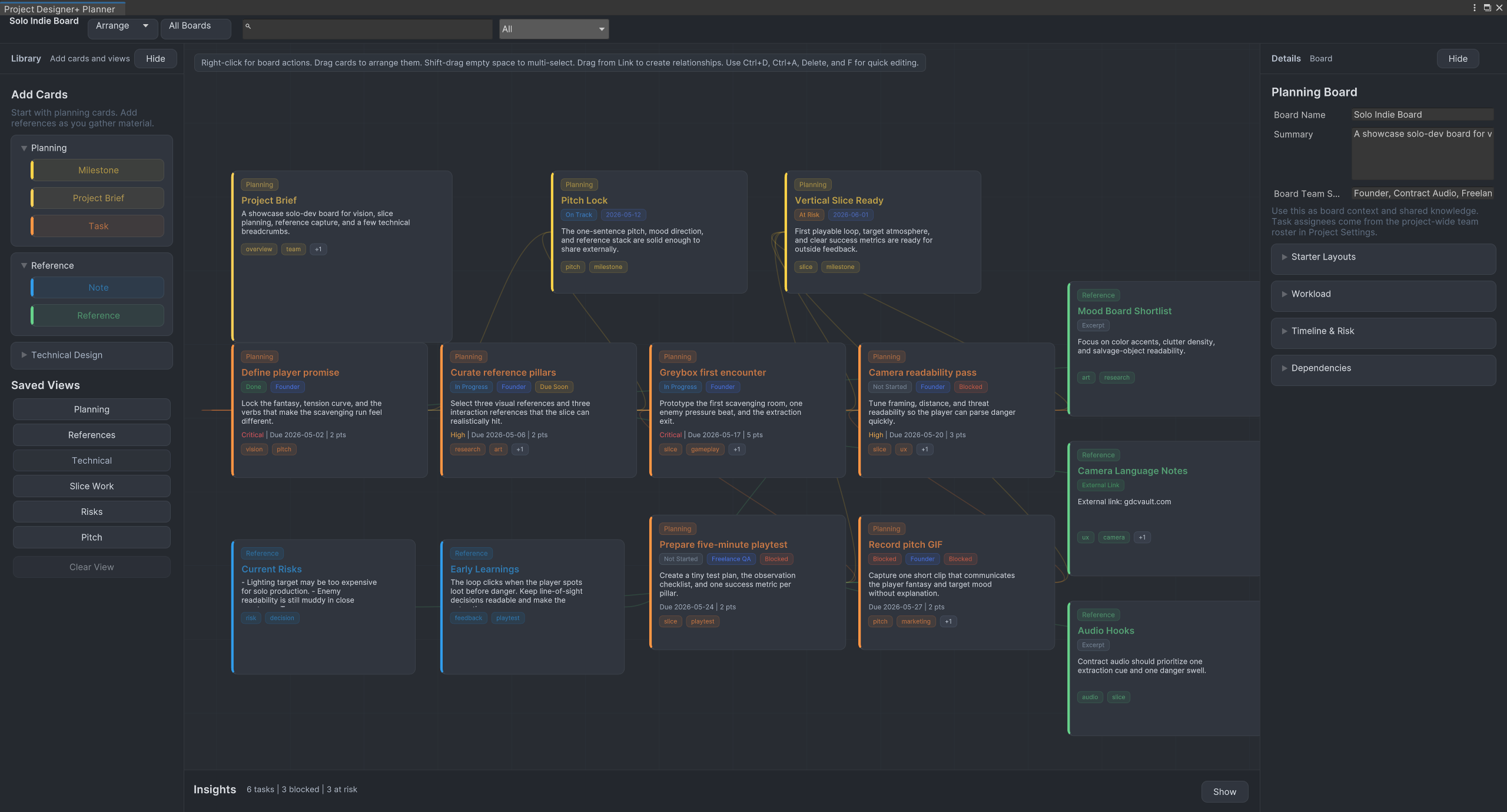
Plan Unity projects visually with tasks, milestones, notes, references, workflow presets, and saved planning views directly inside the Unity editor.
SceneSignal
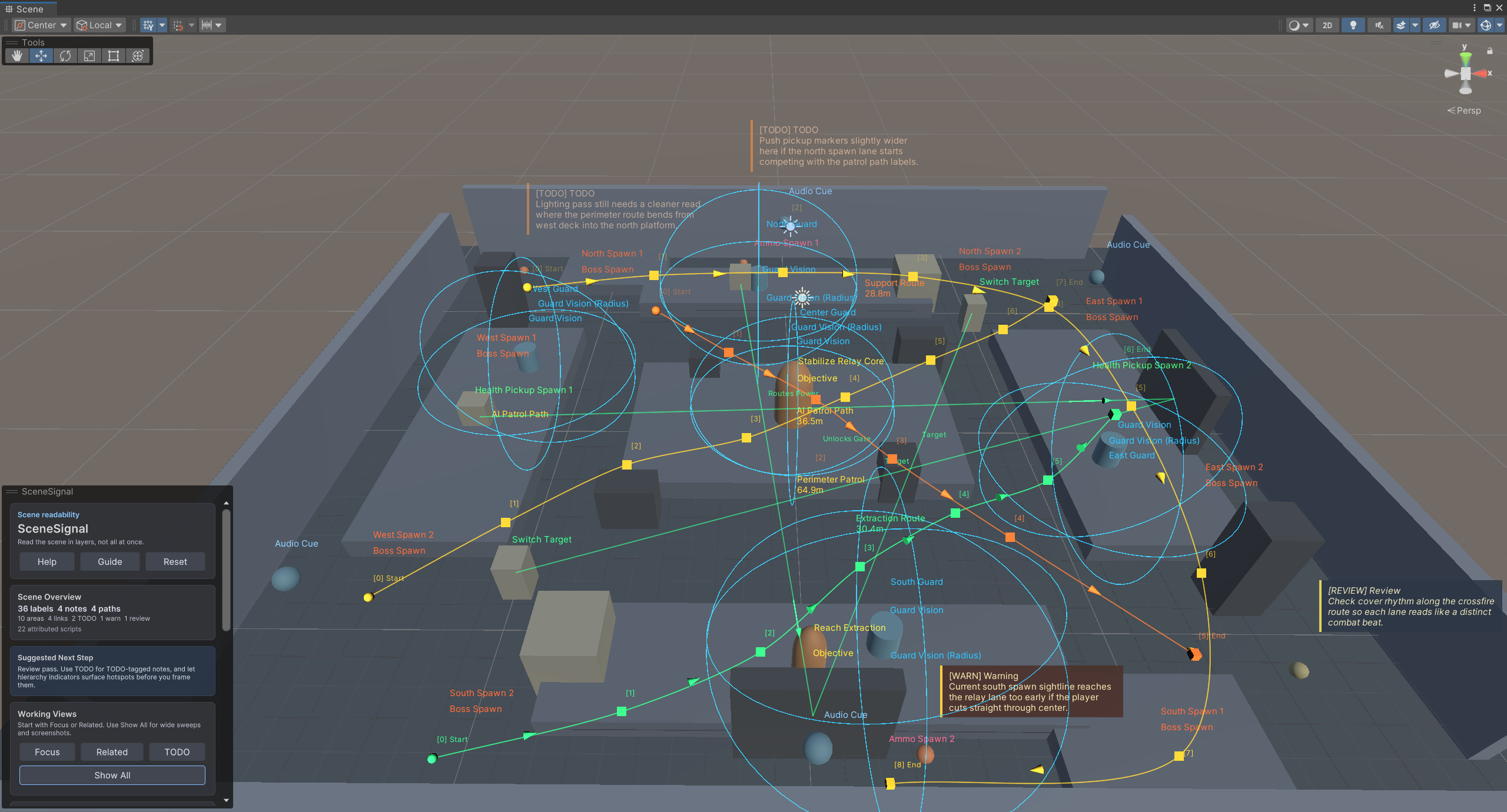
SceneSignal is a Unity scene annotation tool for adding 3D notes, labels, links, areas, and paths without turning the Scene view into clutter.
ConstSafe
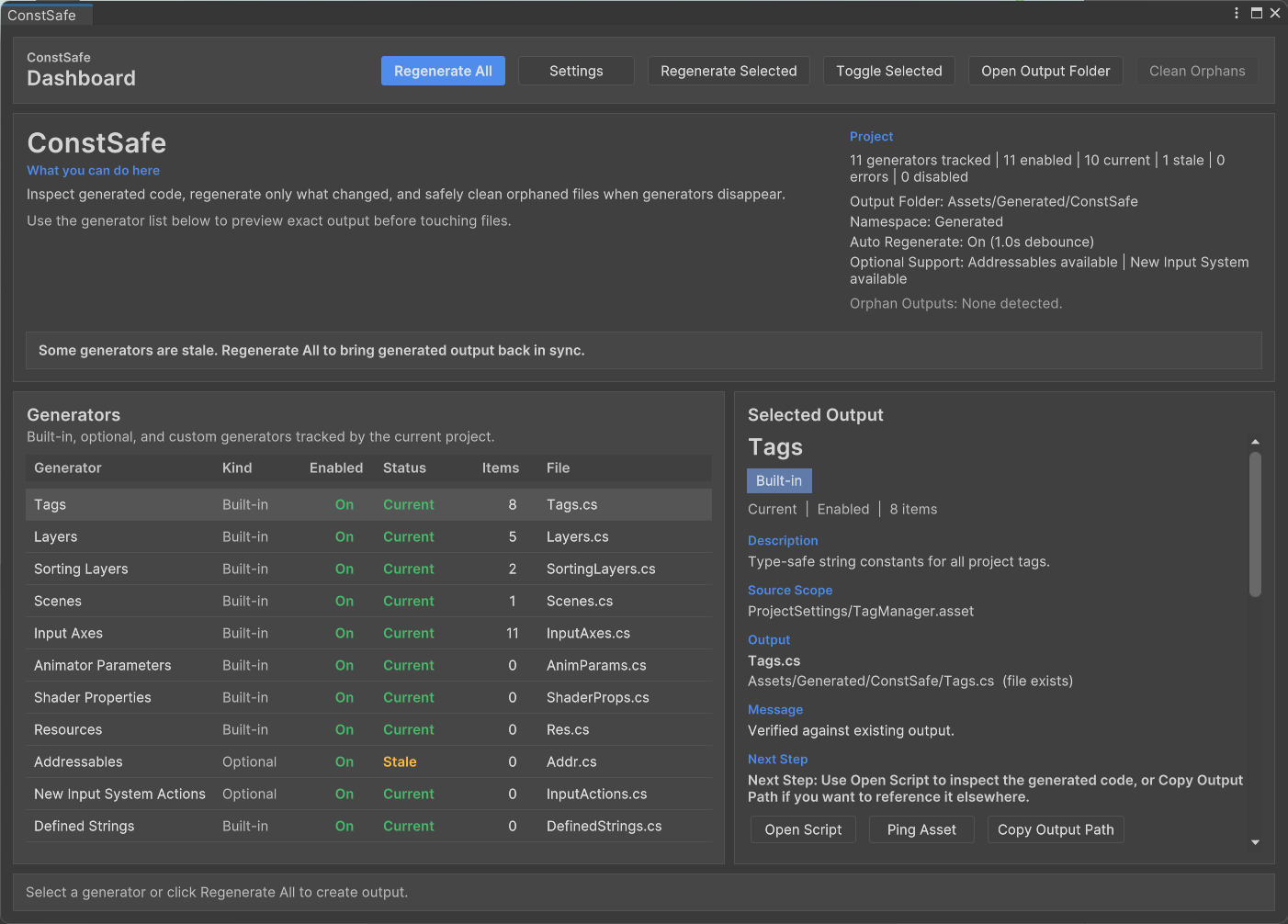
ConstSafe is a Unity constants generator that creates type-safe C# references for tags, scenes, resources, animator parameters, shader properties, and more.
Frequently Asked Questions
Does DevNotebook affect runtime builds?
Can a page link more than one asset?
Where are notebook assets stored?
Can DevNotebook open automatically when a project loads?
Follow DevNotebook
This page documents the workflow and use cases. Contact Horyzon Tools for availability, beta timing, or fit for your Unity project.