When I start a new Unity project, the first thing I do is map out the main systems before writing any code. This sounds obvious, but most solo developers and small teams skip this step and end up refactoring half their codebase two weeks in.
Here is the workflow I use and why it saves time.
Start with the Big Picture
Before opening Unity, I list the core systems my project needs. For a simple game, that might look like:
- Player controller
- Enemy AI
- Level loading
- Save/load system
- UI management
- Audio management
This is not a detailed design document. It is a quick brain dump of the major systems that need to exist.
Map Dependencies Between Systems
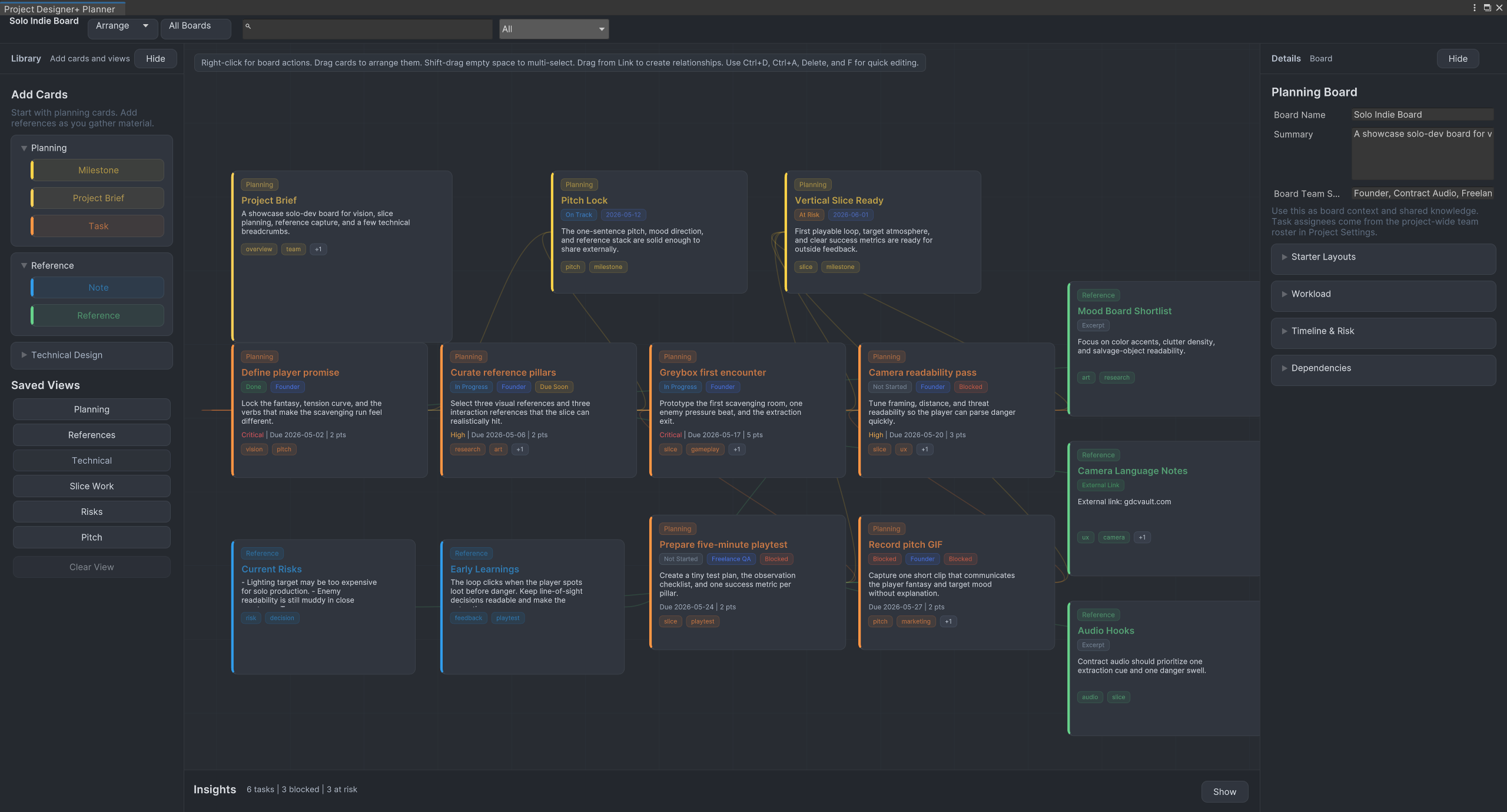
Once I have the list, I think about which systems depend on each other. The player controller needs input. The enemy AI needs to reference the player. The save system needs to know about every serializable system.
Drawing these connections early helps avoid circular dependencies and shows which systems to build first.
Break Systems Into Tasks
Each system gets broken into concrete tasks. Not “build the player controller” - that is too vague. Instead:
- Set up character movement with CharacterController
- Add ground detection
- Implement jump with coyote time
- Add camera follow script
- Create input action map
Small, specific tasks are easier to estimate and harder to procrastinate on.
Keep the Plan Inside Unity
I used to plan in Notion, Google Docs, and even paper notebooks. The problem is that context switching kills momentum. When I plan inside Unity using a tool like Project Designer+, I can see my diagrams and task lists right next to the code I am writing.
Review and Update as You Go
No plan survives first contact with implementation. Systems get merged, split, or cut entirely. The point of planning is not to predict the future - it is to start with a clear direction and update as you learn more.
I revisit my project plan at the start of each work session. It takes two minutes and prevents the “what was I working on again?” problem.
Summary
- List your core systems before writing code
- Map dependencies between systems
- Break systems into small, concrete tasks
- Keep your plan where you work - inside Unity if possible
- Revisit and update the plan regularly
Planning does not need to be complicated. A simple diagram with connected nodes and a task list is usually enough to save hours of refactoring later.